How to Get 500,000 Monthly Impressions on Pinterest
Learn how to reach 500,000 monthly Pinterest impressions with simple beginner-friendly strategies for keywords, Pin design, posting, and growth.
First, what does 500,000 monthly impressions actually mean?
Reaching 500,000 monthly impressions on Pinterest is possible, but it probably will not happen overnight. It also helps to know exactly what an impression means. An impression is simply one time your Pin appears on someone’s screen. Your total audience is the number of people who saw or interacted with your Pins. Outbound clicks are the people who actually clicked from Pinterest to your website. For this guide, we’ll use 500,000 monthly impressions as the big reach goal, but clicks, saves, and conversions are what tell you whether that reach is actually helping your business.
The good news is that you do not need a huge budget to get started. A Pinterest business account is free and gives you access to Pinterest Analytics. You can also use Pinterest Trends to see what people are searching for and when certain topics become popular.
Here is an easy way to picture the goal: 100 Pins getting about 5,000 impressions each would add up to 500,000 impressions. Or 250 Pins getting about 2,000 each would do the same thing. In real life, some Pins will do much better than others. The point is that you want to build a collection of useful Pins that can keep getting found over time instead of hoping one Pin suddenly goes viral.
Step 1: Build a Pinterest account people can actually find
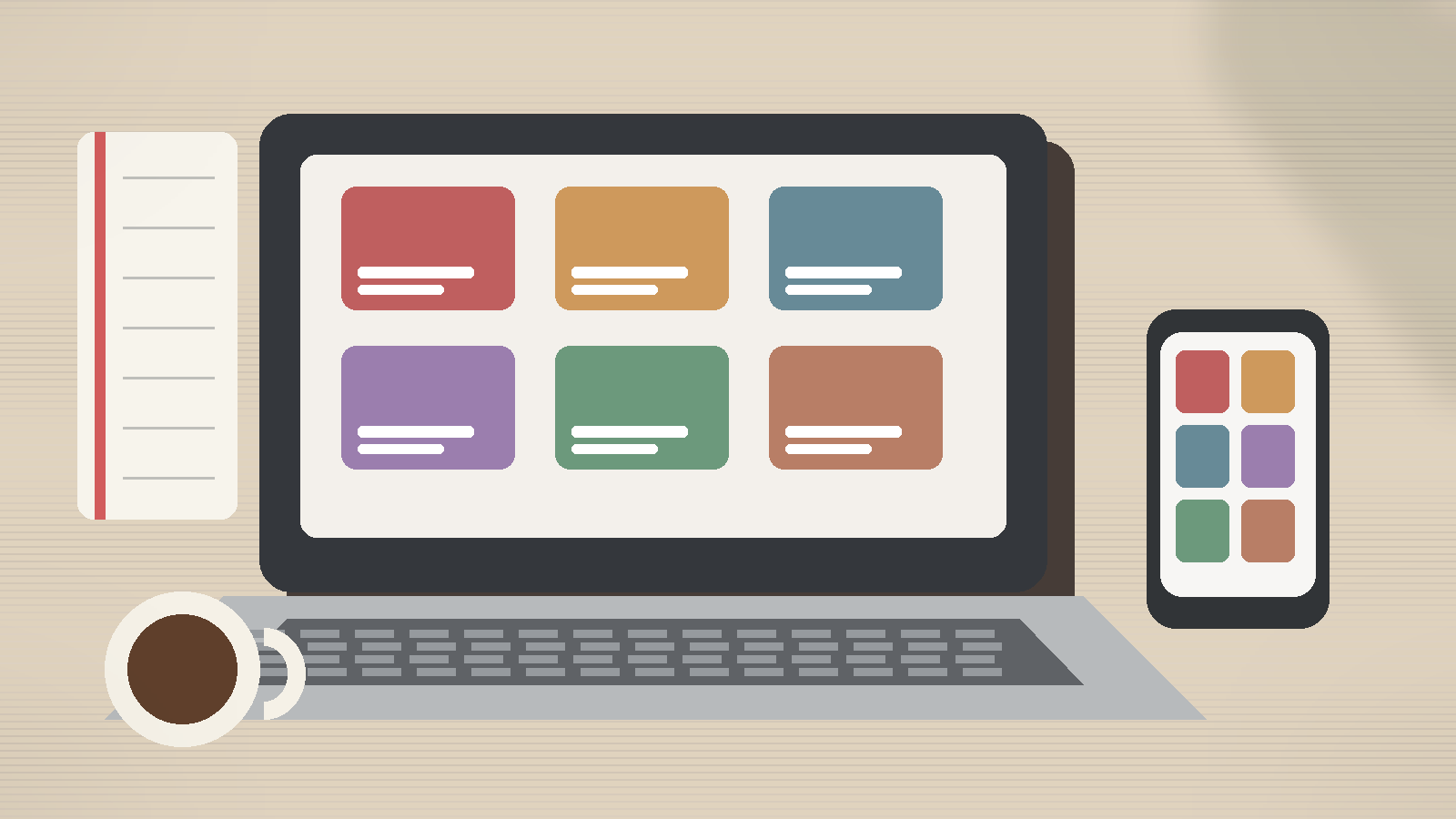
Pinterest works more like a visual search engine than a normal social media app. People go there looking for ideas, products, tutorials, inspiration, and solutions. That means useful content that matches what people are searching for usually has a better chance than random posts with no clear purpose.
Start with a free Pinterest business account so you can track what is working. If you have a website, claim it too. This connects your website to your Pinterest account and gives you more information about how people are saving and interacting with your content.
When you make a Pin, keep the message simple. A beginner-friendly Pin should make one clear promise instead of trying to say everything at once.
Good example: “7 Small Patio Ideas for Renters”
Bad example:
“Home Ideas | Decorating | DIY | Outdoor Living | Patio Inspiration”
Use large, easy-to-read text and one main photo or visual. Leave some open space so the Pin does not feel crowded. Your branding can be there, but it should not overpower the main idea. If you are showing a product, make sure people can quickly see what the product is and how it is being used.
The same basic idea works in almost any niche. Food and DIY creators can show finished results and how-to content. Fashion, beauty, and travel accounts can lean into strong visuals and seasonal ideas. Education and finance creators can use checklists, tips, and simple explainers. Ecommerce businesses should make the product obvious, while local businesses should make the service and location easy to understand.
Step 2: Post consistently and learn from what works
There is no magic number of Pins you have to post every day. Instead of chasing a perfect posting schedule, focus on being consistent enough to collect useful data.
You can test mornings, afternoons, and evenings to see when your audience responds best. Do not assume there is one perfect time for every account. Seasonal timing matters too. If you are creating content for Christmas, back-to-school season, summer travel, or another big event, publish early enough for people to find it before the trend peaks.
When one topic starts working, do not stop at one Pin. Build around it. For example, if a Pin about a "small balcony garden" performs well, you could create more Pins about beginner balcony plants, balcony herb gardens, renter-friendly planters, tiny balcony layouts, and seasonal balcony makeovers. Think of one winning idea as the start of a small content cluster.
Engaging with people can help, but it should not replace creating useful Pins. Reply to real comments and interactions when it makes sense. You can also collaborate with creators, experts, or brands that fit your audience. A shared guide, guest tip, seasonal series, or co-created Pin can help both sides reach more relevant people.
And remember: impressions are not the final goal. Pinterest can send people to your blog, email list, online store, digital product, service page, or another place you own. A simple way to think about it is: reach → click → conversion. First people see the Pin, then some click, and a smaller group may subscribe, buy, or take another action. That is why outbound clicks and conversions matter just as much as a big impression count.
Step 3: Focus on a repeatable system, not one viral Pin
Do not build your entire Pinterest strategy around trying to go viral. A repeatable system is much more useful.
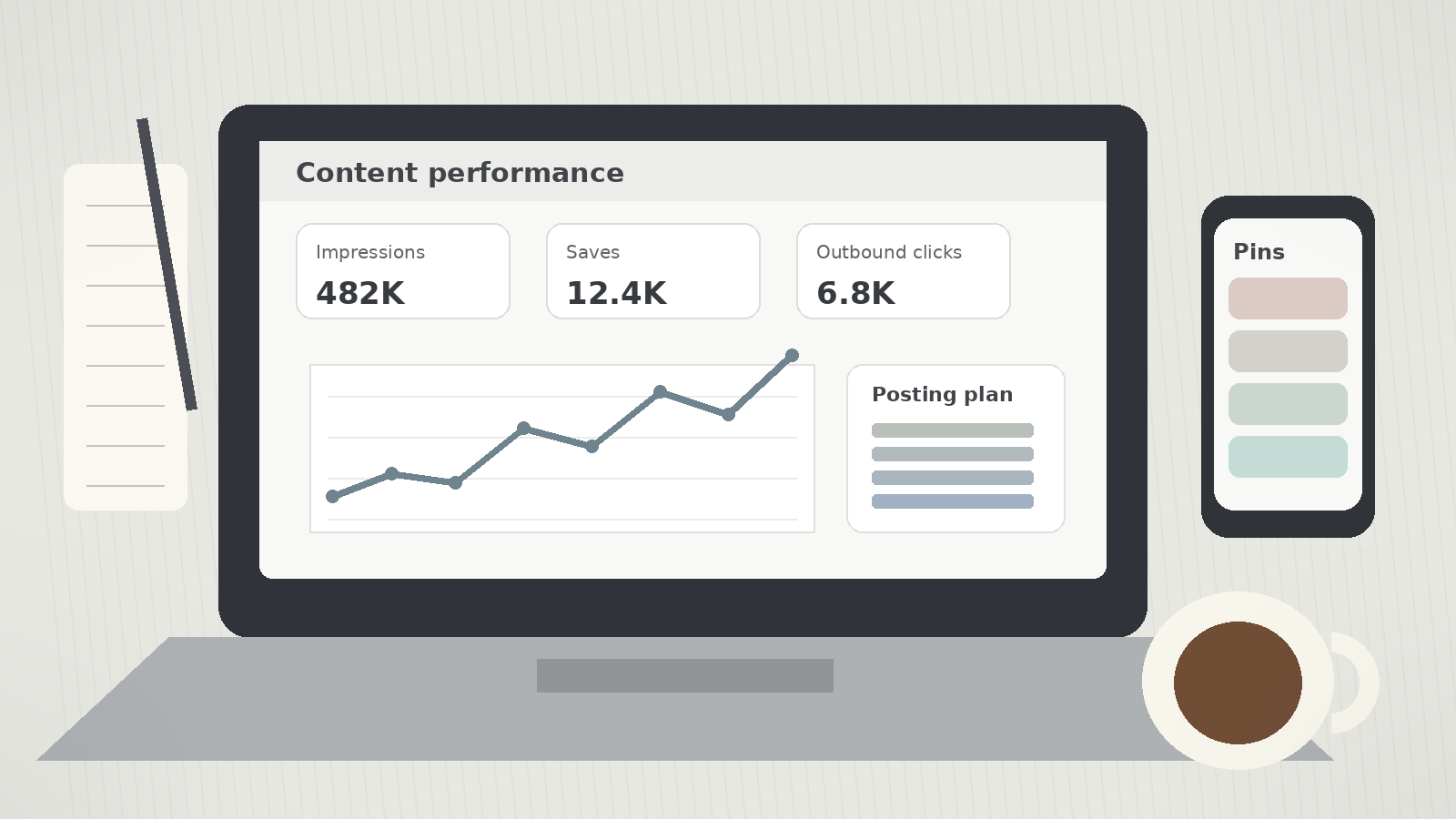
Make your account easy to understand. Research what people are searching for. Create vertical Pins with one clear message. Publish consistently. Watch your impressions, saves, and outbound clicks. Then make more content around the topics and designs that are already showing signs of demand.
If you are starting from zero followers and have little or no budget, reaching 500,000 monthly impressions may take longer than 90 days, and that is okay. Some accounts will grow faster because of their niche, seasonal timing, or an existing library of content. By day 90, the biggest win is having enough data to know what people respond to. Once you know which topics get seen, which Pin designs get clicks, and which visitors turn into real business results, you can repeat what works. That is how 500,000 monthly impressions becomes a system instead of a lucky accident.
I hope this guide gave you a clearer idea of what it takes to build toward 500,000 monthly impressions on Pinterest. If you have any questions, or there is another Pinterest topic you would like me to cover, feel free to reach out at theoleinemann8@gmail.com.
One last thing before you go: this post is sponsored by MerivoFlow. MerivoFlow’s Scheduler is a lightweight Pinterest scheduler built to make consistent posting easier. For $8 per month, you can schedule Pins as far into the future as you want and organize everything in a simple content calendar view. If you want to spend less time posting manually and more time creating, check out MerivoFlow’s tools to learn more.
Get notified when a new post drops
Subscribe to get an email whenever we publish a new Pinterest growth guide. No spam, unsubscribe anytime.